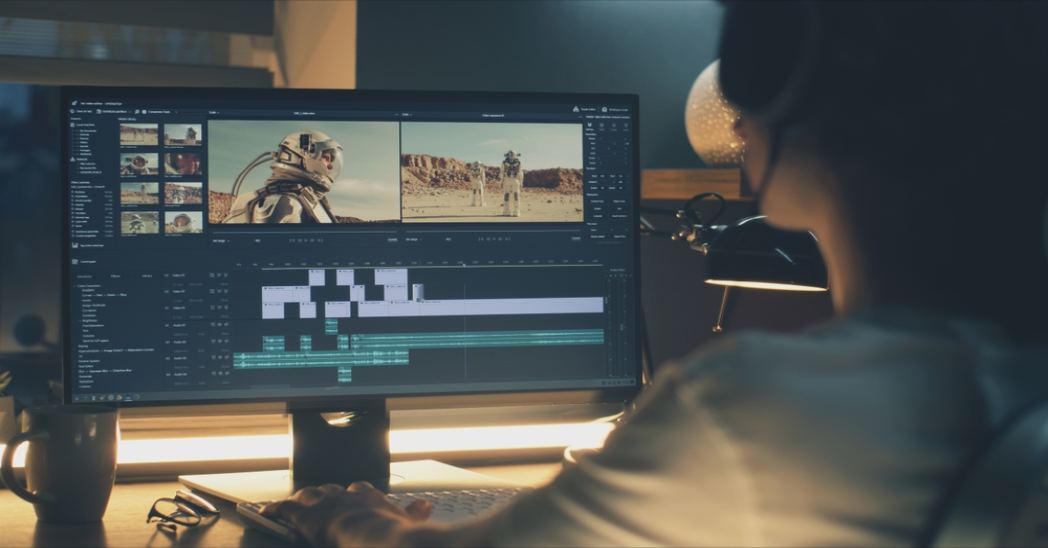
You don`t need a camera crew or a fancy studio to make videos that look polished and professional. With the right setup and a bit of practice, your living room can do the job just fine. Whether you`re creating content for social media, starting a YouTube channel, or putting together something for work, the good news is that making great videos at home is more doable than ever. Here`s how to actually get there.
Set Up Your Space the Right Way
Before you even think about hitting record, your environment matters more than most people realize.
Light It Up
Lighting is the single biggest factor in how professional your video looks. Natural light from a window is your best friend. Face toward the light source, not away from it. If you`re filming in the evening or in a darker room, a simple ring light or even two desk lamps placed on either side of you can make a huge difference. Harsh shadows and dark backgrounds are what make videos look amateur, and fixing the lighting costs almost nothing.
Good lighting gives you a strong foundation, but editing is what makes your videos look polished. If you`re planning to use Movavi Video Editor for color correction, transitions, or simple enhancements, don`t forget to check for a Movavi Coupon before purchasing. It?s an easy way to save money while getting the tools you need to improve your videos.
Clean Up Your Background
A cluttered background distracts viewers and makes your video feel messy. You don`t need a green screen. A plain wall, a neat bookshelf, or even a simple fabric backdrop all work well. The goal is to keep attention on you and what you`re saying, not what`s sitting behind you.
Get Your Audio Right
Here`s a truth most beginners miss: viewers will forgive bad visuals far more than they`ll forgive bad audio. If your sound is muffled, echoey, or full of background noise, people will click away fast.
Use a Decent Microphone
Your phone or laptop mic is usually not enough. A clip-on lapel mic or a basic USB microphone makes a noticeable jump in quality and doesn`t have to cost much. Record in a smaller room with soft furnishings to cut down on echo.
On savehype, you can find deals on audio gear that bring that studio-level sound within a realistic budget.
Edit Like You Mean It
Raw footage is just the beginning. Editing is where a good video becomes a great one.
Choose the Right Editing Tool
This is where Movavi comes in. It`s a video editing software that`s genuinely beginner-friendly without feeling limiting. You can trim clips, add transitions, adjust color, include text and music, and export in the format you need, all without spending hours watching tutorials just to figure out the basics.
A lot of creators, including people who do this professionally, appreciate that Movavi gives you real editing tools without the steep learning curve that comes with more complex software.
Keep Your Edits Clean
One of the most common mistakes in home videos is over-editing. Jump cuts, excessive transitions, and too many effects make things feel chaotic. Trim the silence, cut the parts that drag, and let the content breathe. Simple, confident editing almost always looks more professional than busy editing.
Consistency Makes the Difference
One video is a start. A consistent style, tone, and look is what builds trust with your audience. Try to film in the same spot, keep your intro style the same, and use a consistent color grade or filter across your content.
Savehype regularly highlights software deals and tools that help creators stay consistent without constantly paying full price. From editing suites to creative assets, it`s worth checking before you buy anything new.
Final Thought
Making professional-looking videos at home is genuinely achievable. You don`t need expensive gear or a production team. What you need is good lighting, clean audio, and a reliable editing tool. Movavi is a solid choice for anyone who wants to move past basic editing without making things complicated. Start simple, keep improving, and savehype is a good place to keep your toolkit affordable as you grow.
Frequently Asked Questions
Do I need an expensive camera to make professional videos at home?
No, modern smartphones can shoot very good footage. Good lighting and audio are far more important than camera price when starting out.
What is the best free lighting setup for home videos?
Sit facing a window and let natural light do the work. If you`re filming at night, just place two desk lamps on either side of you, and you`re good to go.
How long should a beginner`s YouTube video be?
Somewhere between 5 and 10 minutes is a sweet spot. Just make sure every part of it is worth watching. Cut the slow bits and keep things moving.
Is Movavi good for beginners with no editing experience?
Yes, and that`s one of the best things about it, really. It`s not hard to learn the design is logical, and you can build something that looks good with no experience before.
Where can I find affordable deals on video editing software?
Savehype lists discounts on creative tools and software regularly. It`s a good place to check before paying full price for anything.